
White-label, cloud and self-hosted ready

White-label client portals for agencies and service teams

A user-friendly, white-label client portal and project management platform with branded workspaces, familiar Kanban boards, unlimited projects, and unlimited users by license. Invite clients, contractors, and external talent without per-seat software fees.
hero
YOUR BRAND ON EVERY CLIENT LOGIN

Your logo, domain, and login page on every client portal

Each client signs into a workspace that looks like yours. Replace scattered emails, files, status calls, and approval follow-ups with one branded place for requests, work, docs, comments, and reports.
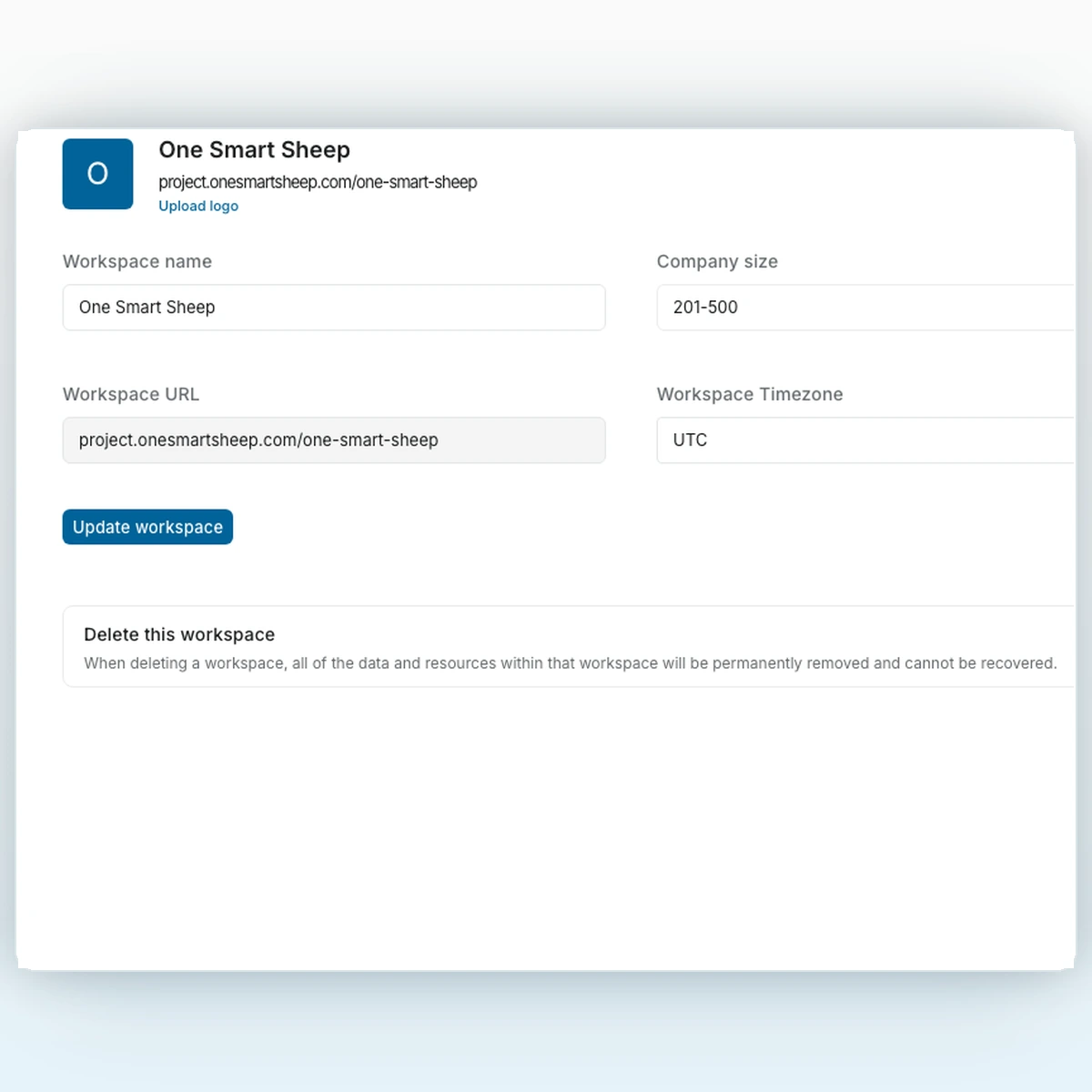
Custom login
Client access under your agency identity.
Client workspace
Tasks, docs, files, approvals, and updates together.
Managed setup
Reuse a documented project setup for the next client.
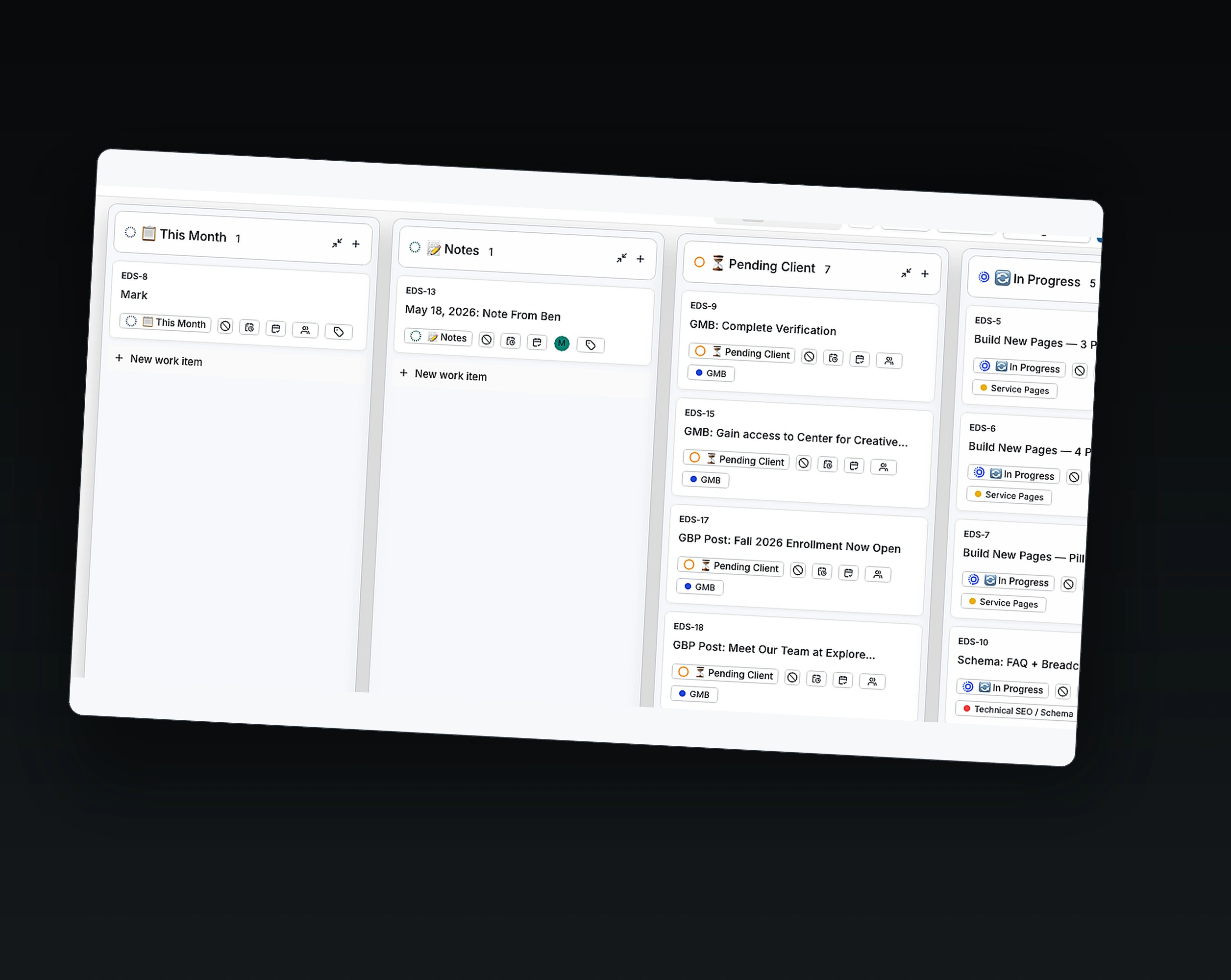
WhiteLabel branded login and workspace settings screenshots
Agencies
Operations teams
Client portals
External talent
Creative teams
No seat caps
Agencies
External talent
Client portals
No seat caps
Creative teams
Operations teams
Agencies
No seat caps
External talent
Creative teams
Client portals
Operations teams
WORKFLOW CLARITY

Client delivery with visible states and owners

Use standard states, owners, labels, dates, comments, and saved views to review status and prepare client updates.

1. Status from one client workspace

Review work, owners, blockers, comments, and files without searching across separate tools.

2. Structure that reduces busywork

Configured states, labels, owners, and dates keep client work in one reviewable place.

3. Supports intake and client updates

Use a configured intake process and project views to record requests, prepare updates, and keep projects moving.

Status from one client workspaceStructure that reduces busyworkSupports intake and client updates
Status from one client workspace

Agencies save time, money, and client trust with one branded portal.

Move client work out of email, spreadsheets, chat threads, boards, and status calls without losing context. Tasks, Project Pages, files, comments, activity, and human reviews stay in one branded portal.
WEEK 1
Discovery and set-up.
We review your current boards, users, files, and delivery process
We define the Trello data and access that can be migrated safely
You receive a written scope, acceptance checks, and launch plan
WEEK 2
Configure and verify
Configure projects, states, owners, labels, dates, and access
Set up Project Pages, files, comments, human review, and reporting conventions
Enable only the Community features verified for your deployment
WEEK 3
Launch and onboard
Give every client a clean portal without changing how your team delivers
Your portal keeps projects, blockers, and priorities in one place
Fewer status calls, fewer lost approvals, and less copy-paste
Core Capabilities

Flexible features for every client workspace

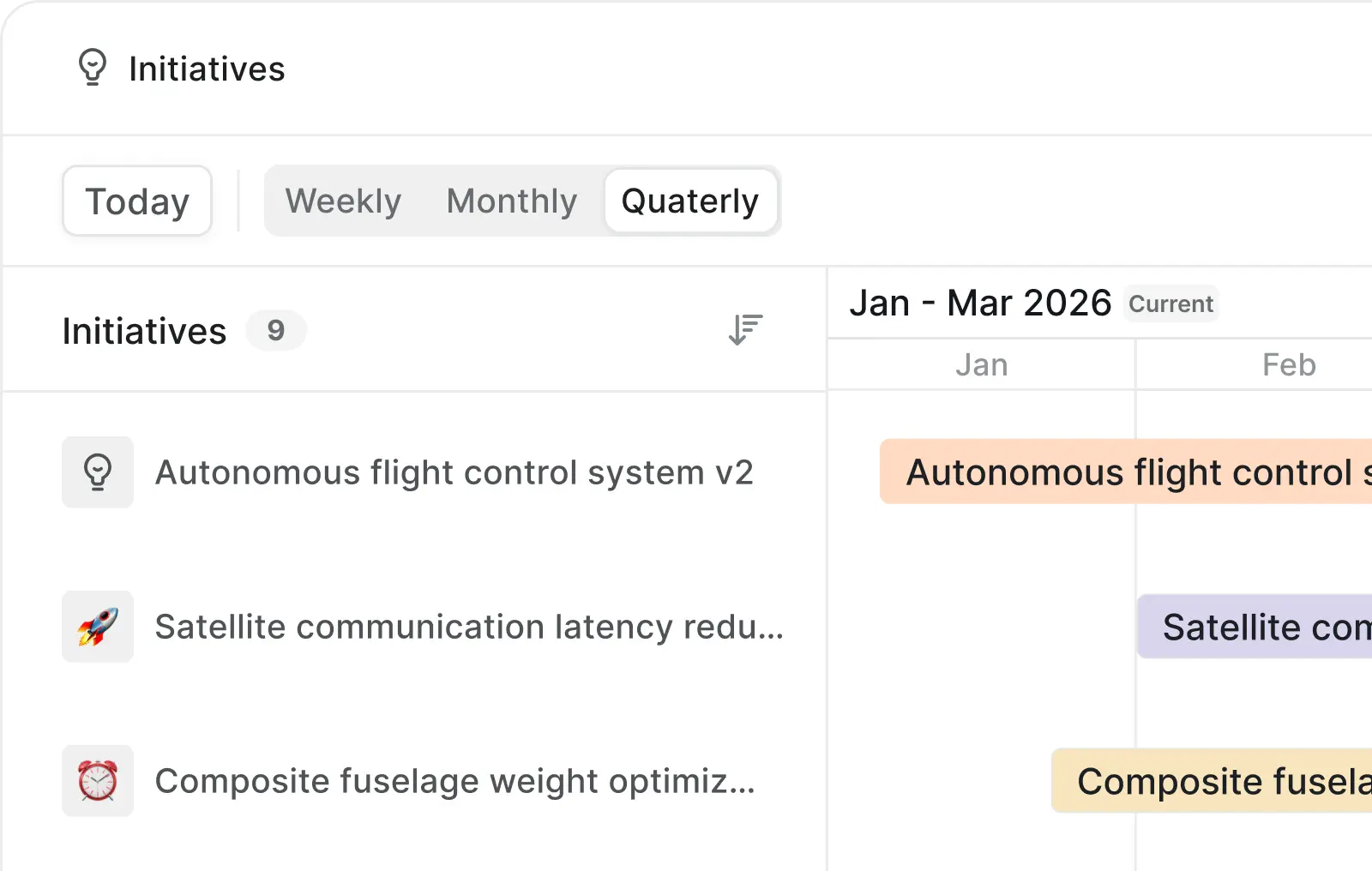
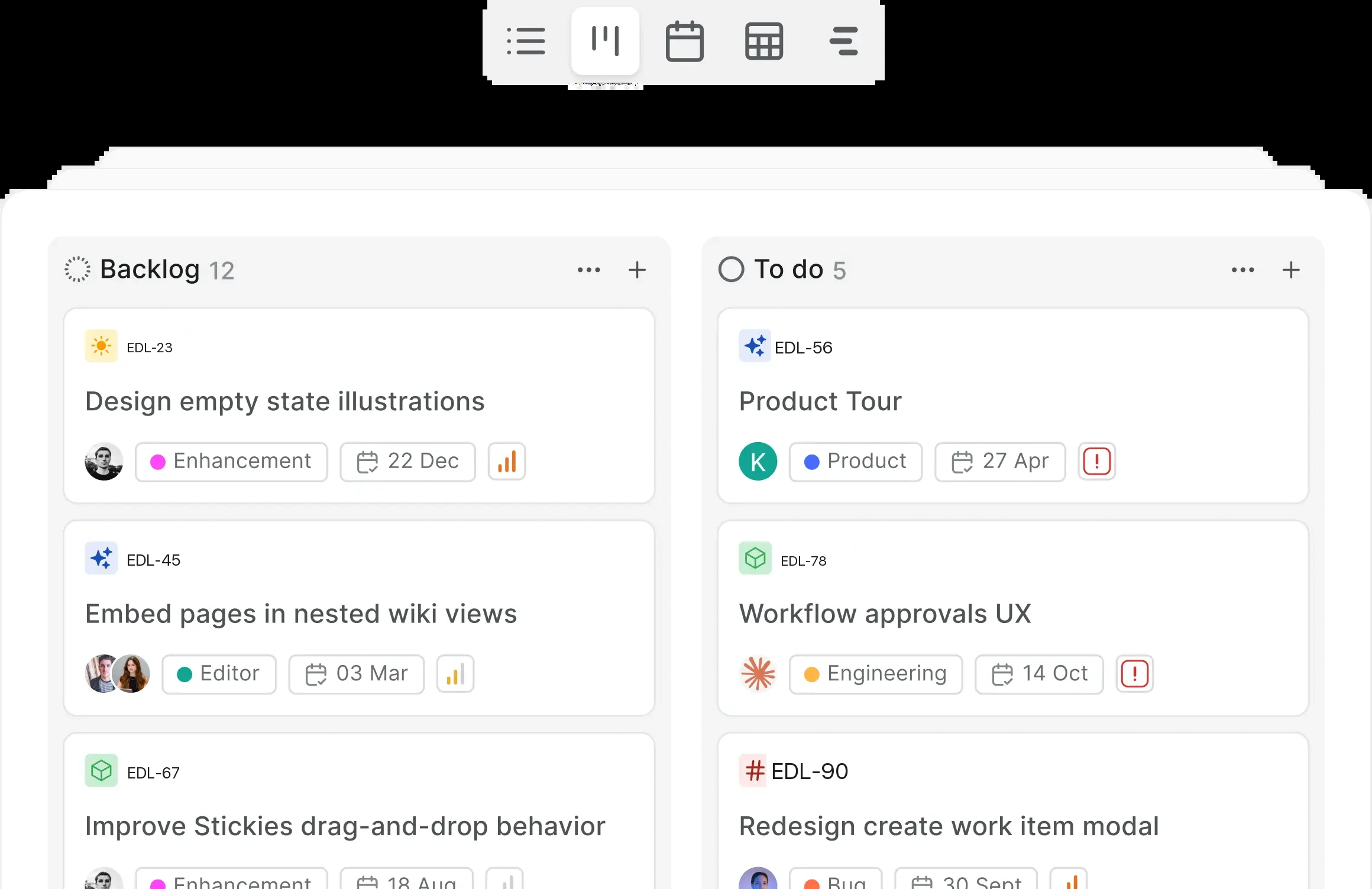
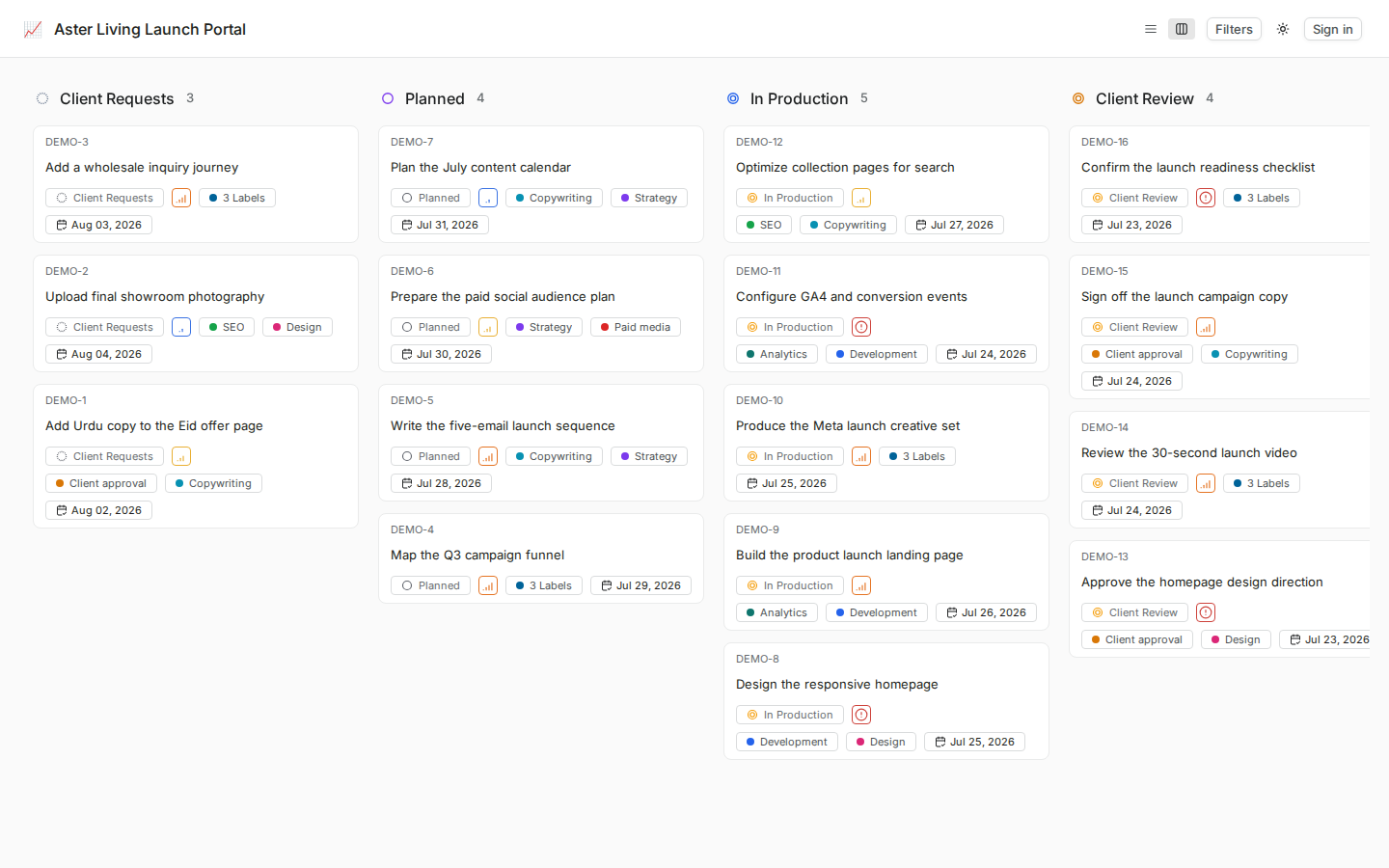
Launch client workspaces with Kanban boards, work items, Project Pages, files, comments, states, owners, and available Analytics.
Familiar views for client delivery
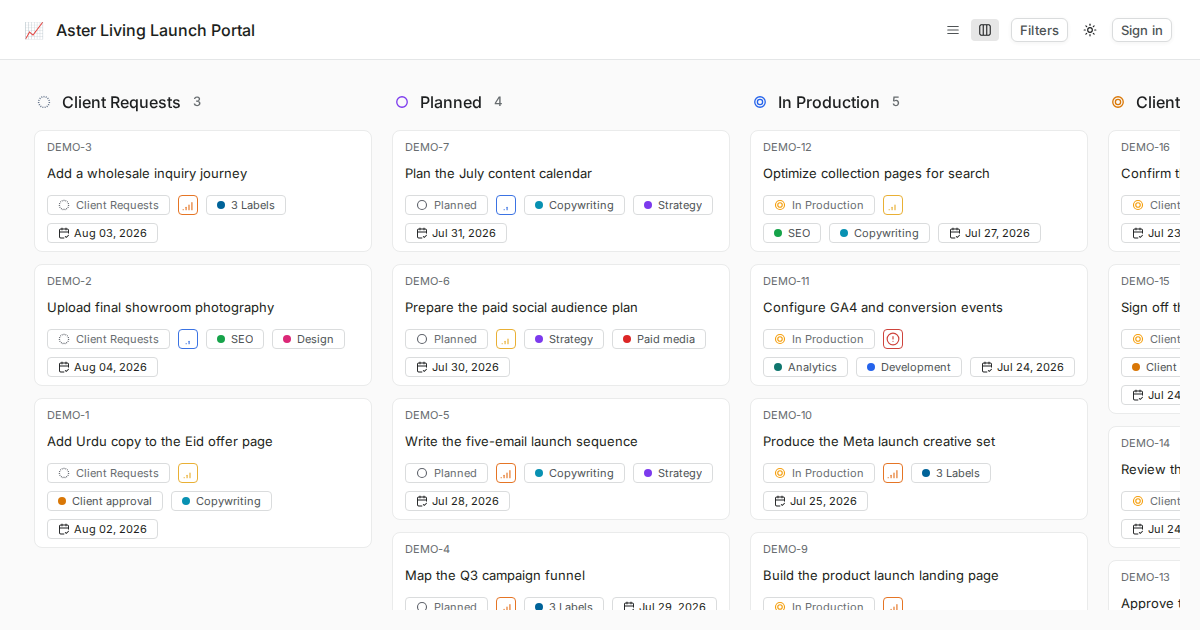
Use the views enabled in the deployed Community version, with Kanban as the primary client-facing view.
WhiteLabel real product workspace screenshot
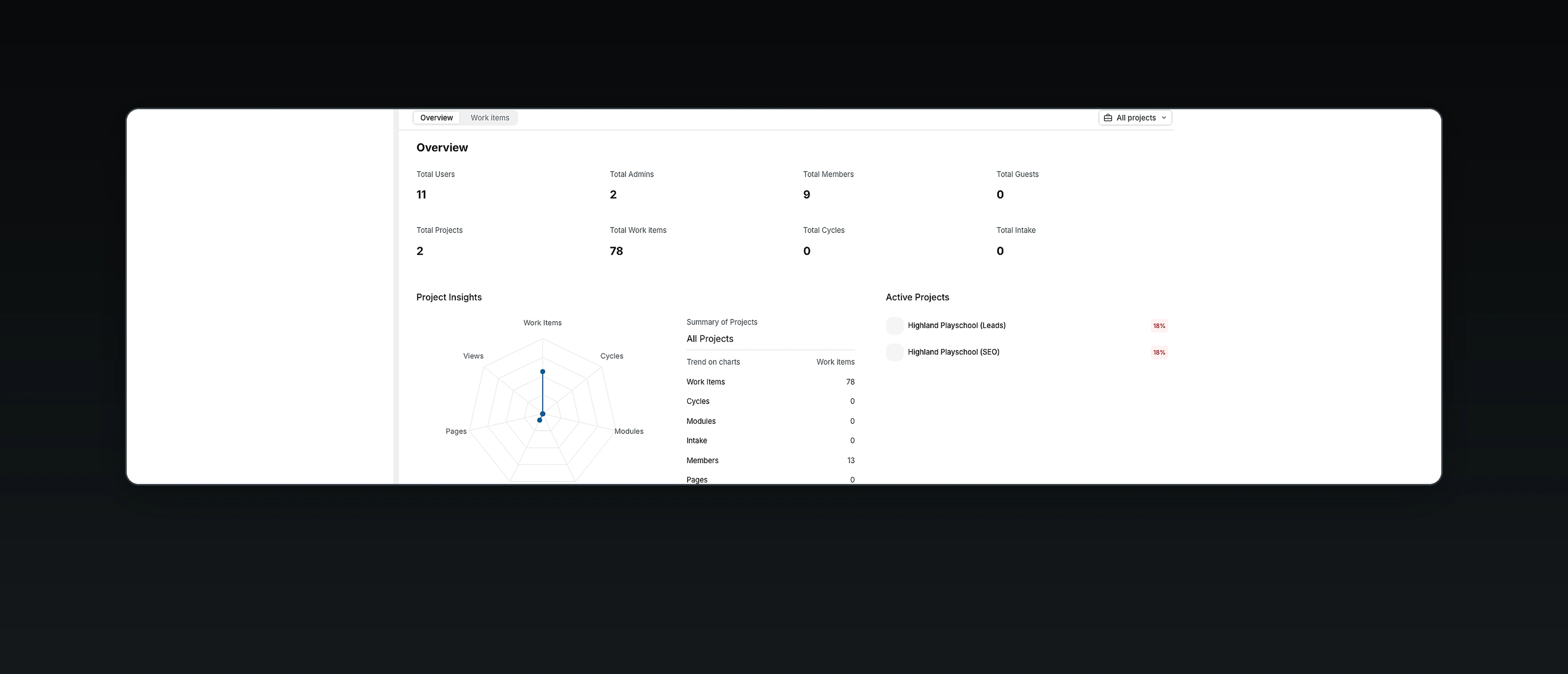
Available Analytics and saved views
Review project progress through available Analytics, saved views, states, owners, dates, and activity.
WhiteLabel real product workspace screenshot
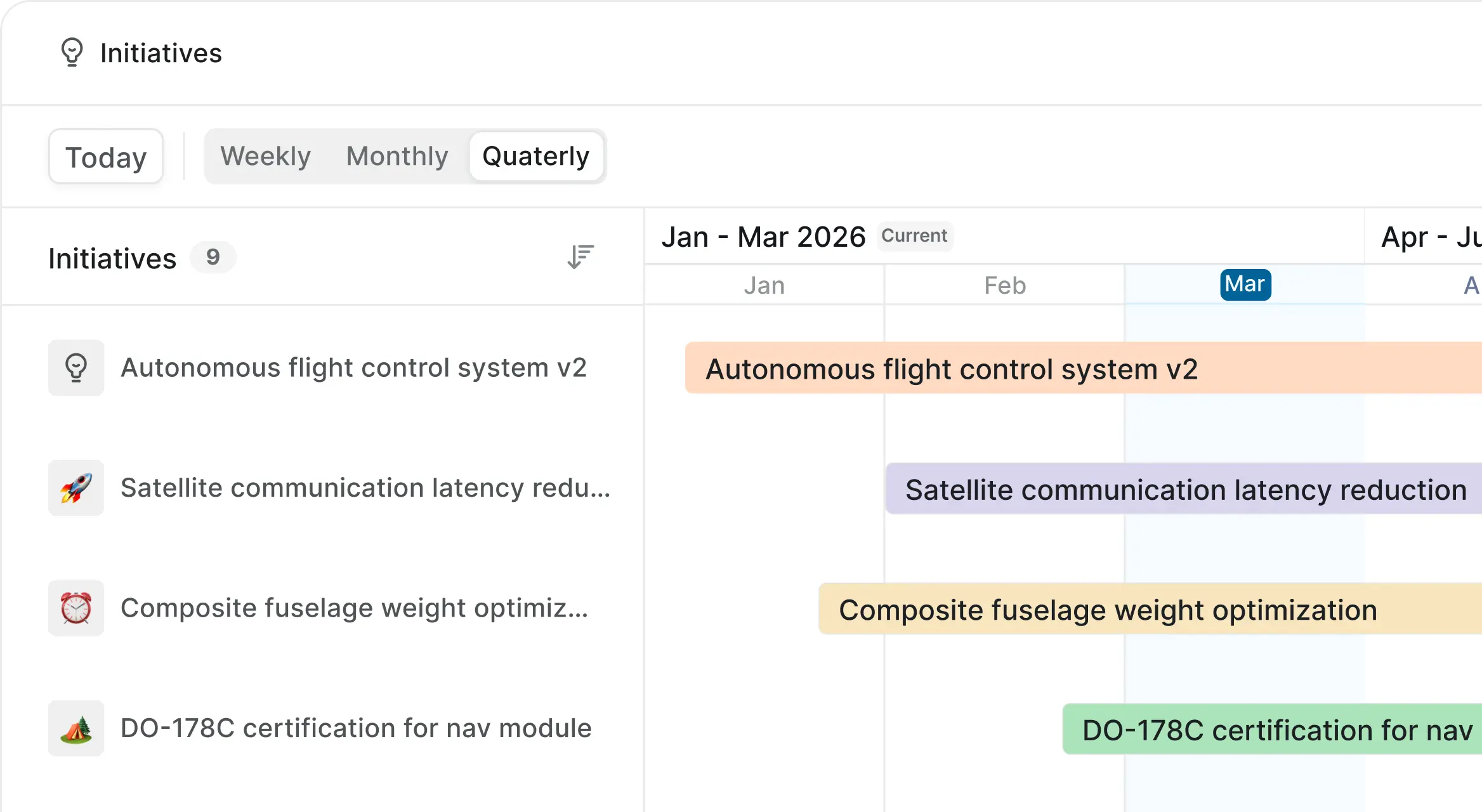
Cycles and delivery checkpoints
Use cycles and modules where enabled, plus dates and states for delivery checkpoints
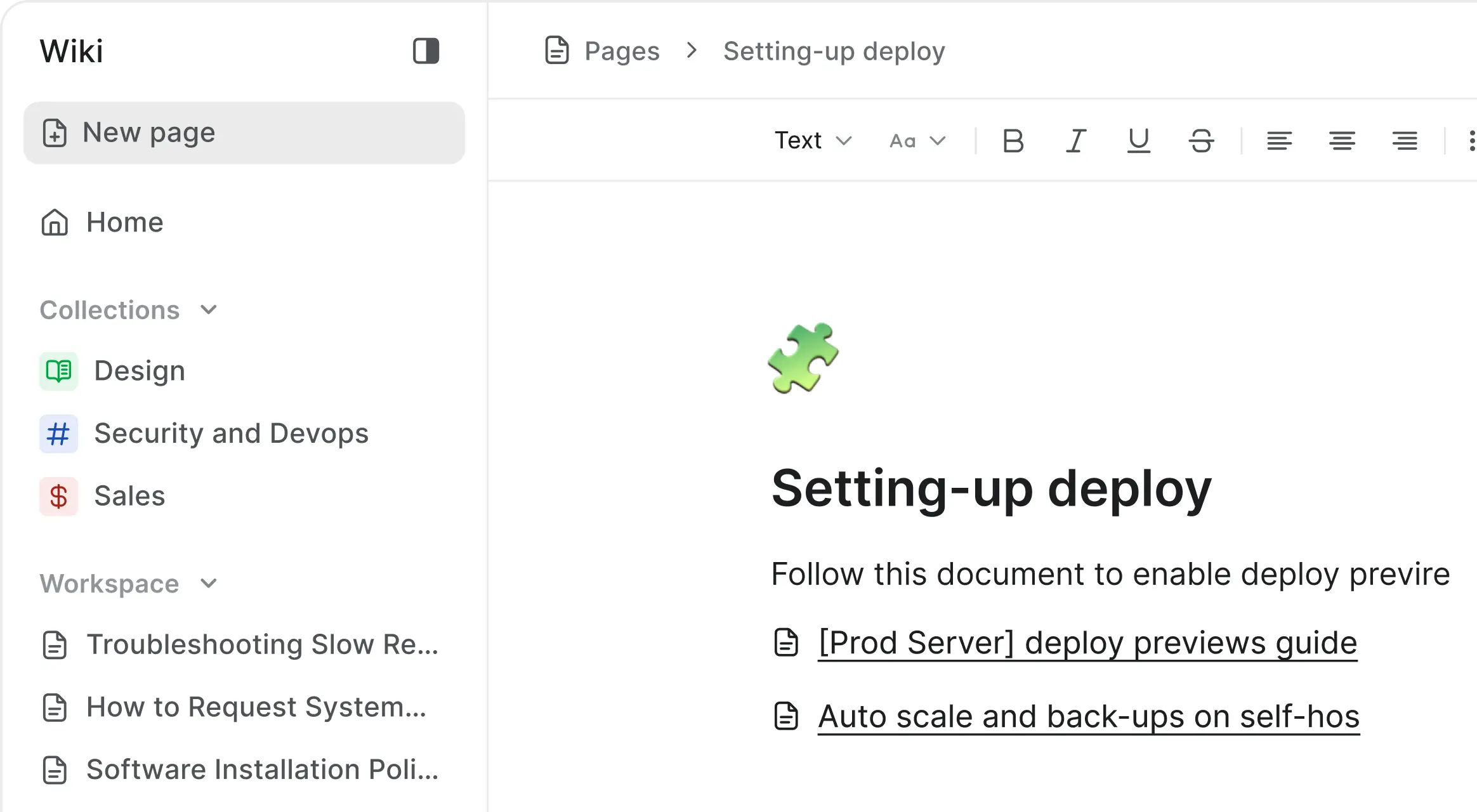
Documentation built-in
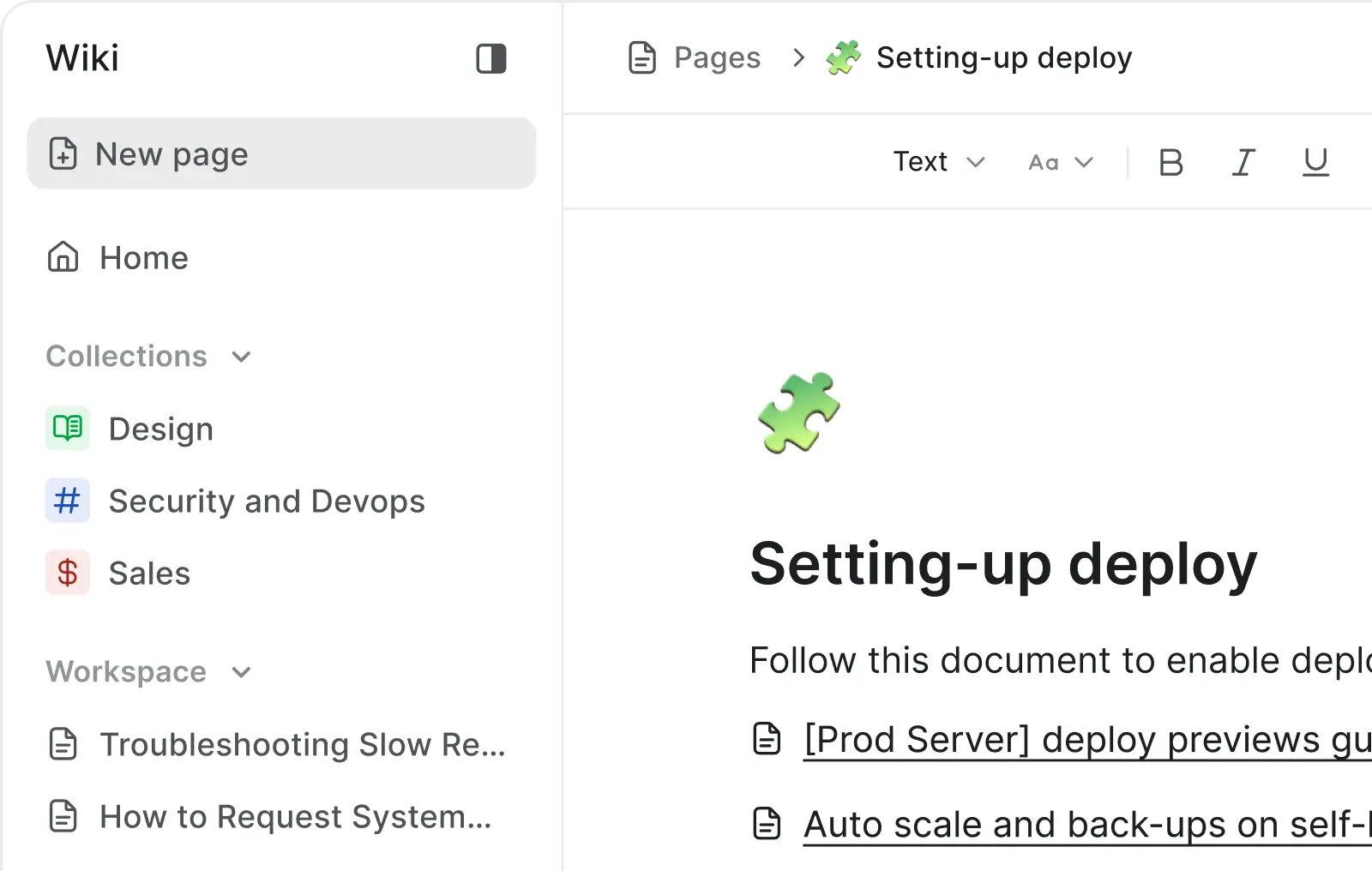
Store briefs, notes, SOPs, client files, and handoff docs beside the work
Labels and project structure
Organize client work with projects, modules where enabled, labels, owners, priorities, and dates
States and human review
Use configured states, owners, comments, and manual sign-off for reviews and handoffs

Self-host without compromise, with hosted and private deployment control

Choose managed or self-hosted deployment, then document branding, access, storage, updates, backups, and support responsibilities before launch.
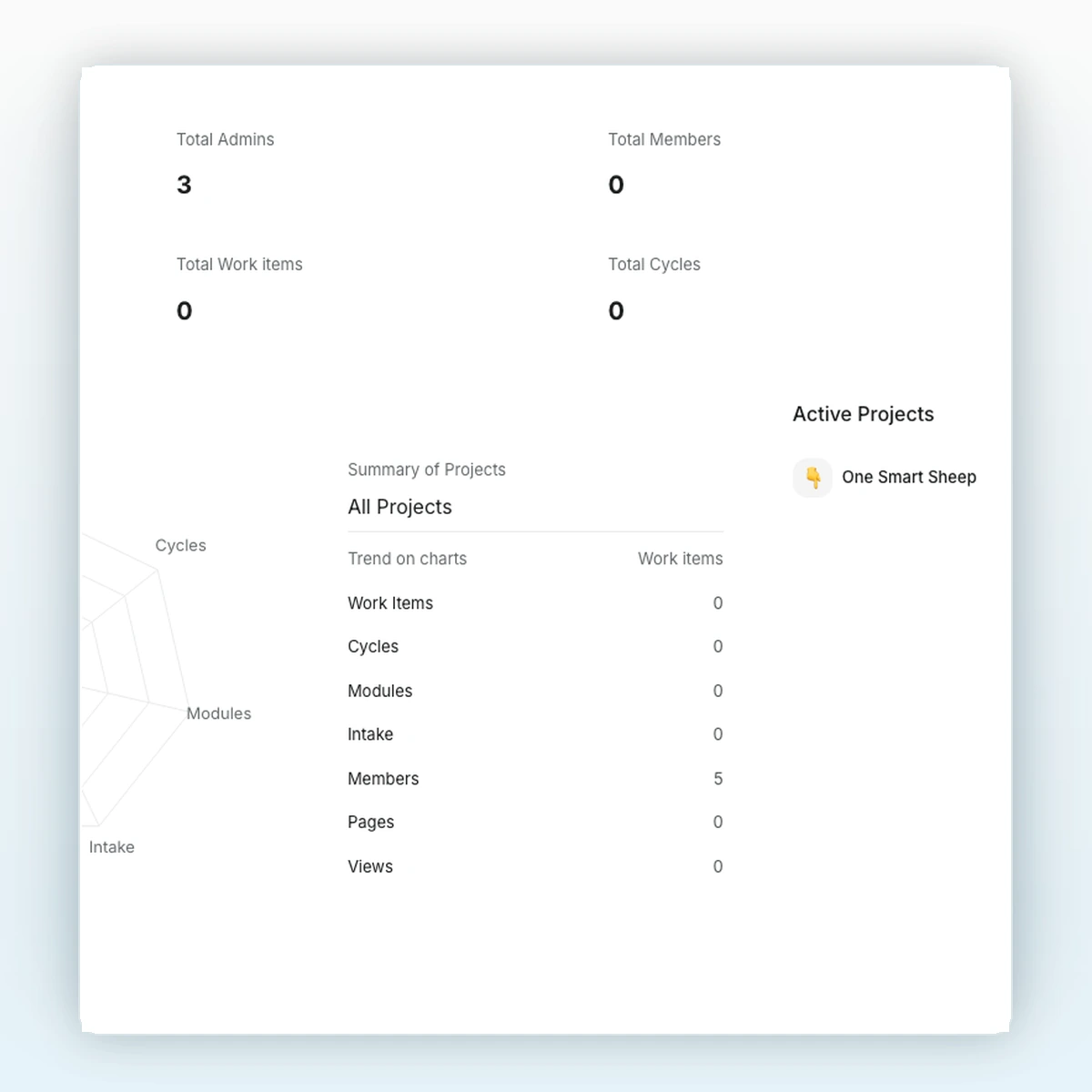
WhiteLabel self-hosted admin console
Managed setup
We configure the agreed domain, SSL, email, storage, deployment settings, and first client workspace.
Server and storage
Run on a client-owned server or managed VPS. Backup, monitoring, storage, and upgrade services are included only when written into the scope.
Instance admin
Assign instance, workspace, and project administration separately, and review access before client onboarding.
Responsive portal

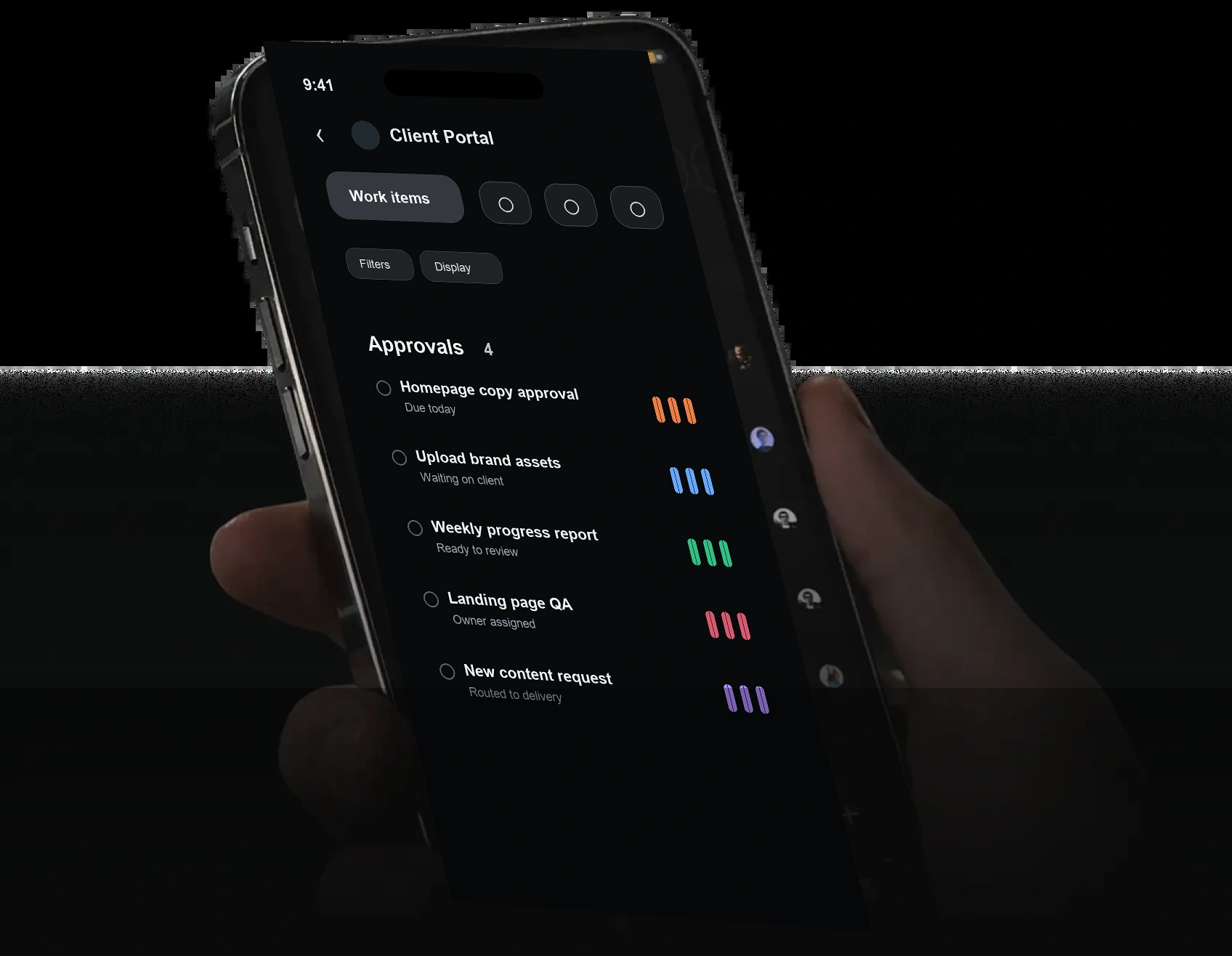
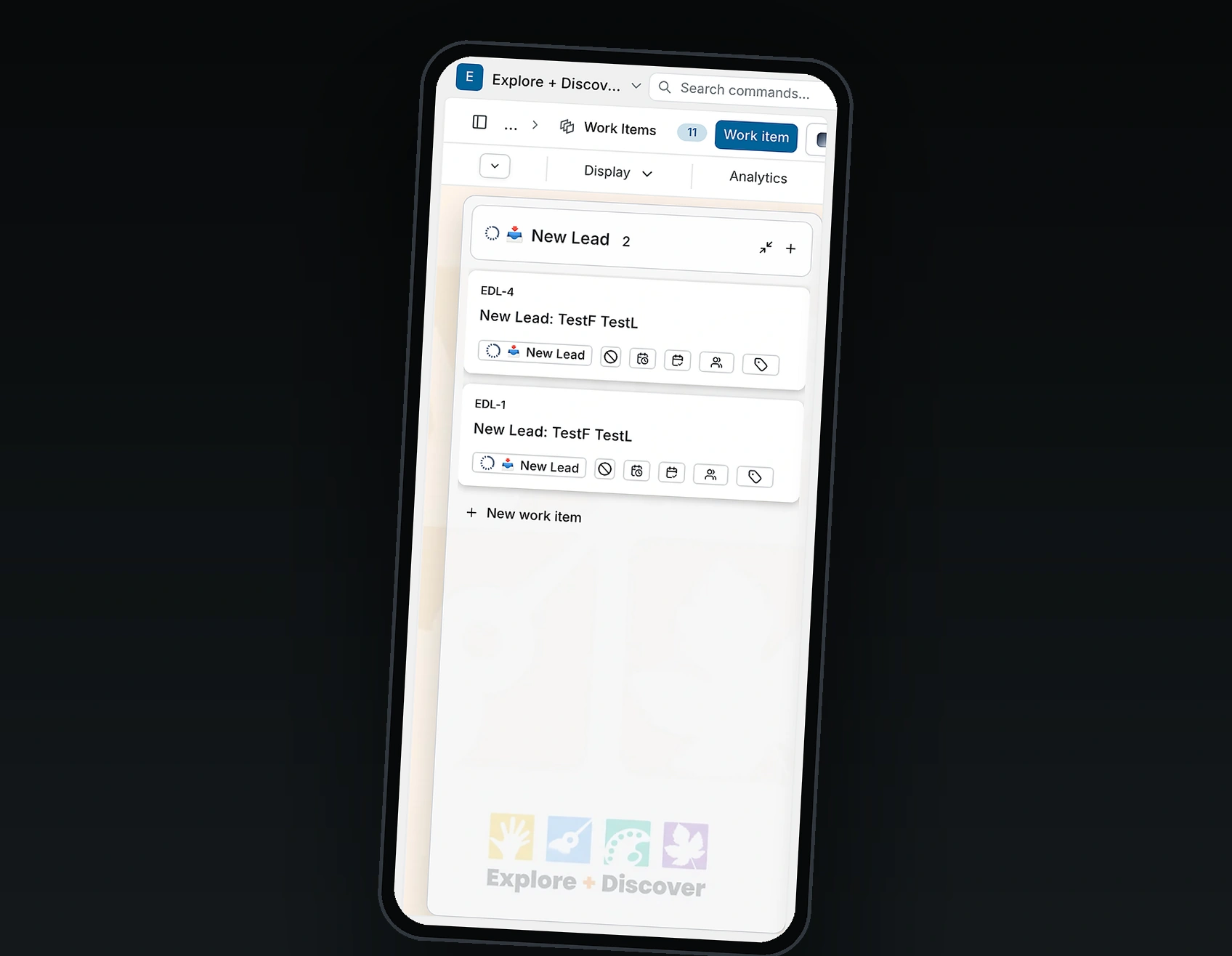
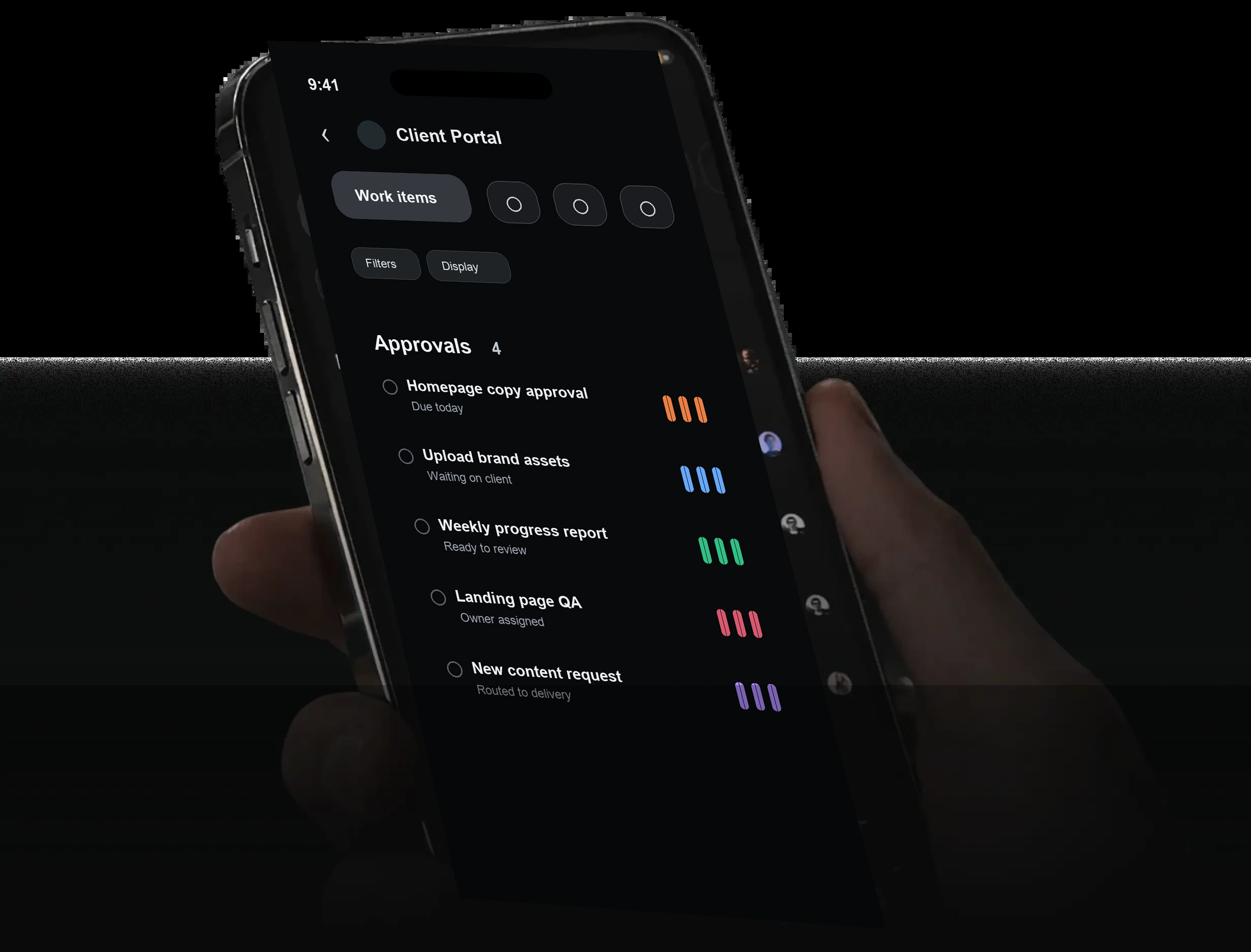
Client work on desktop and mobile browsers

WhiteLabel desktop and mobile client portal screenshots

Bring client requests into one branded workspace

Define the intake path
Choose how requests will enter the portal, who records them, and which owner receives the next action.
Plan intake workflow →
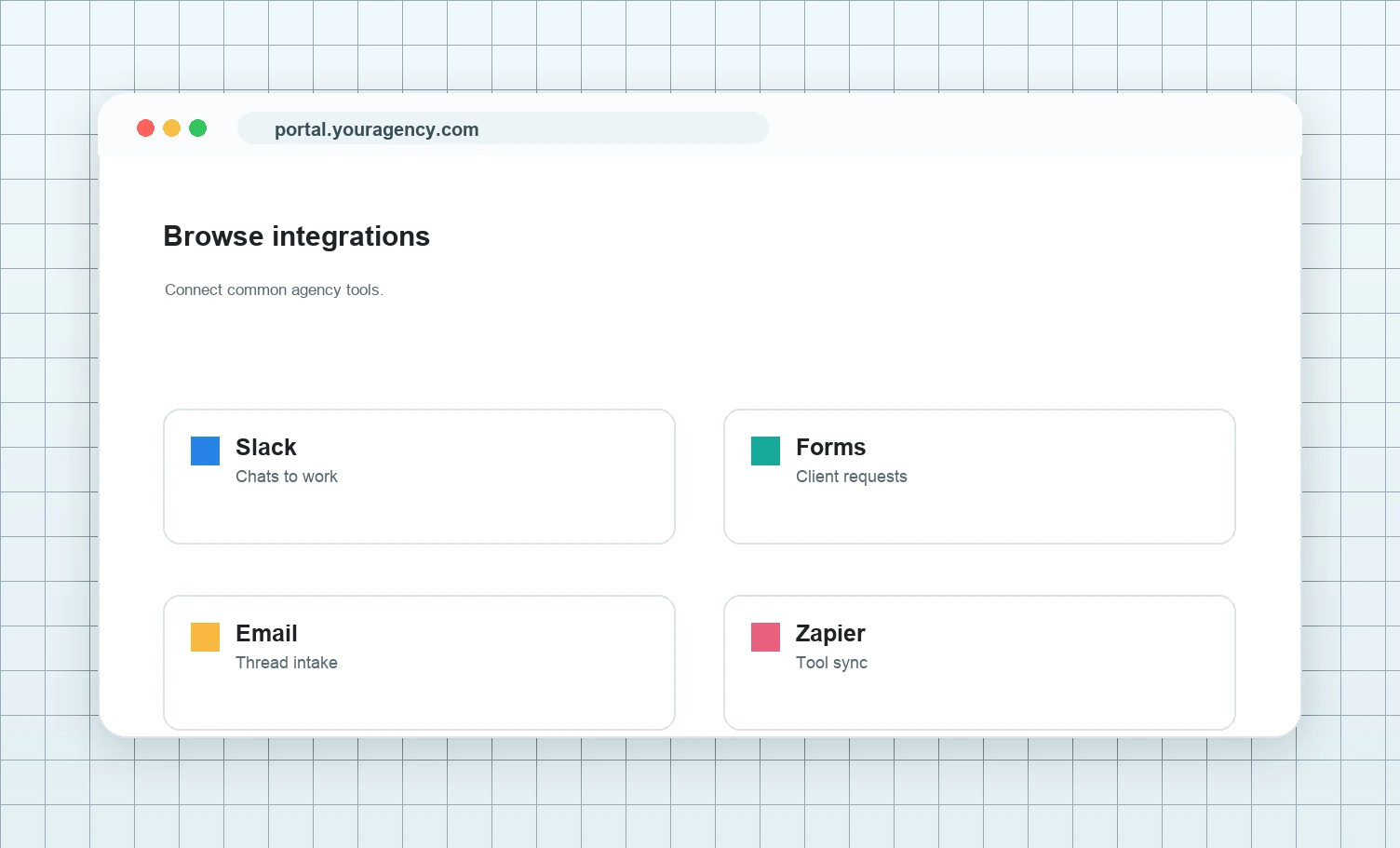
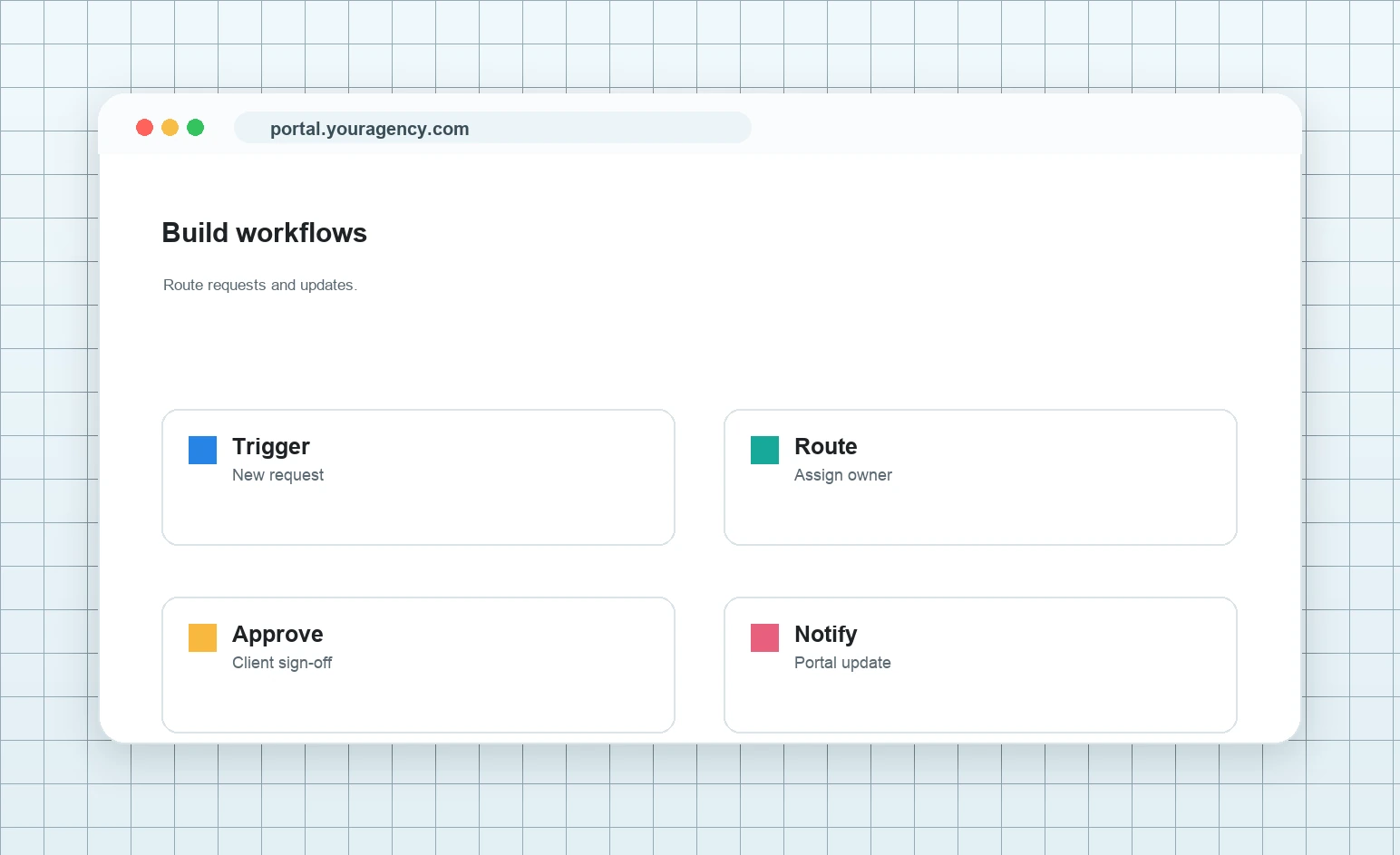
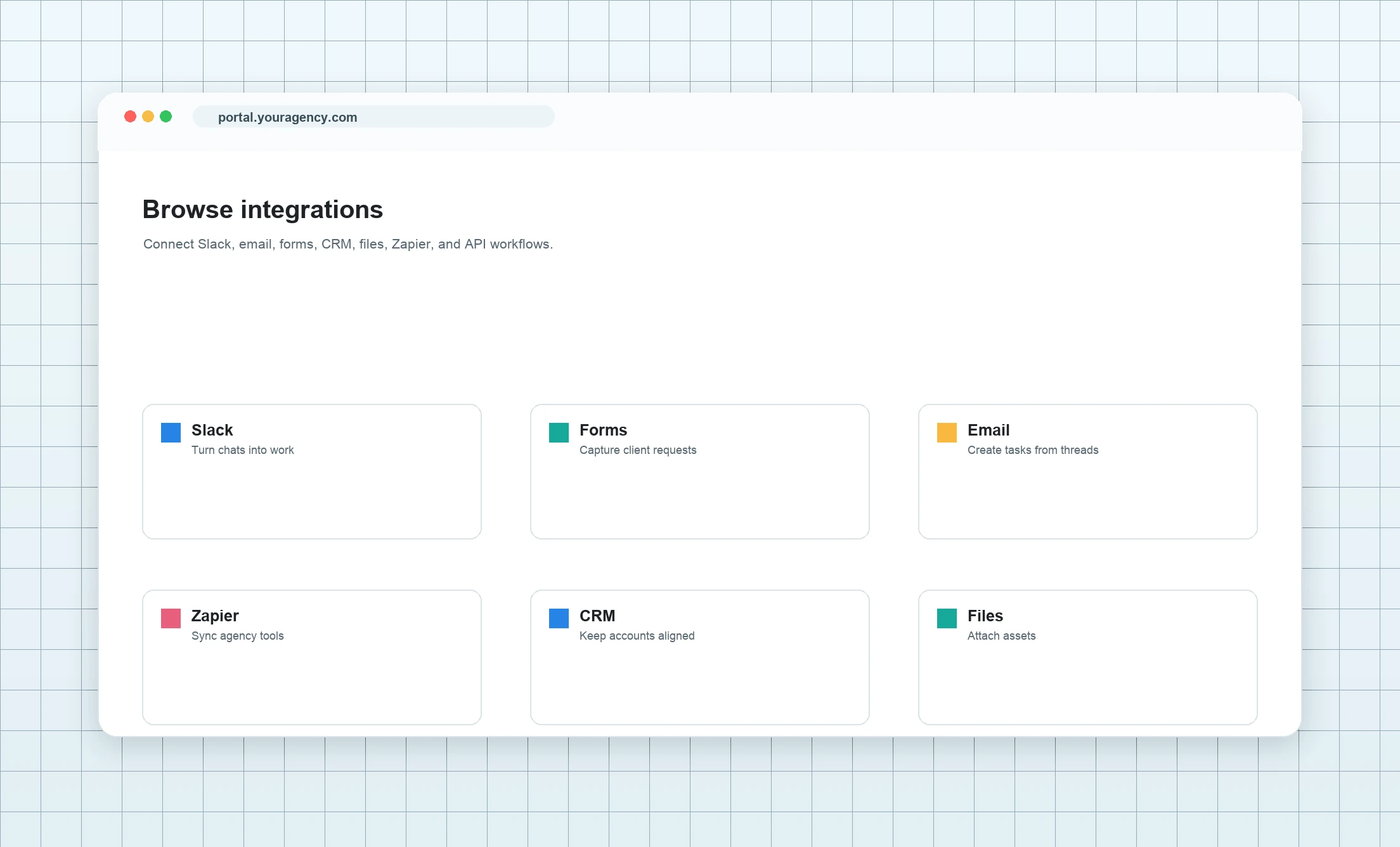
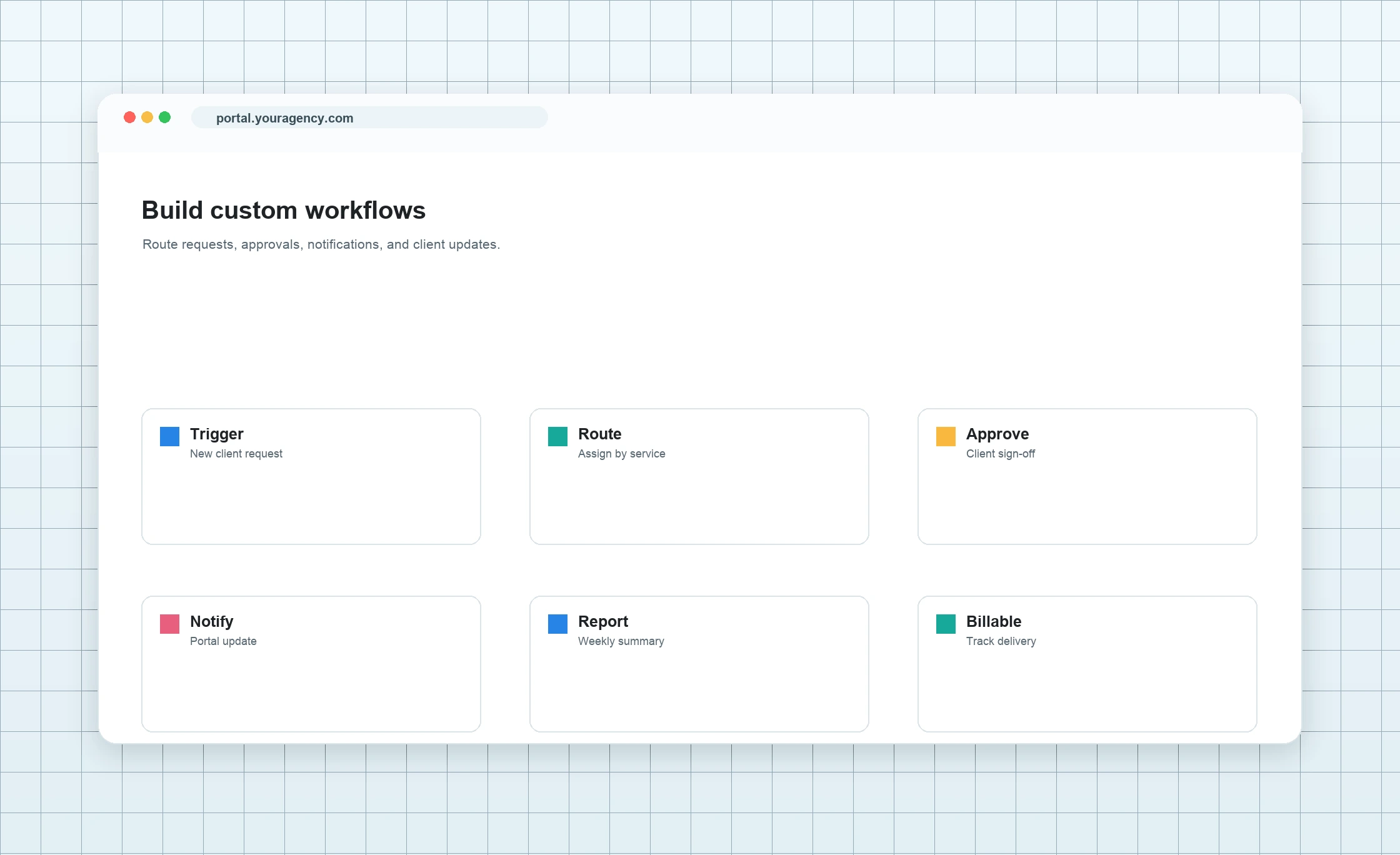
WhiteLabel workflow and integration screenshots
Configure states and ownership
Use standard states, labels, owners, priorities, dates, comments, and human review to manage each request.
Discuss workflow options →
Configure states and ownership
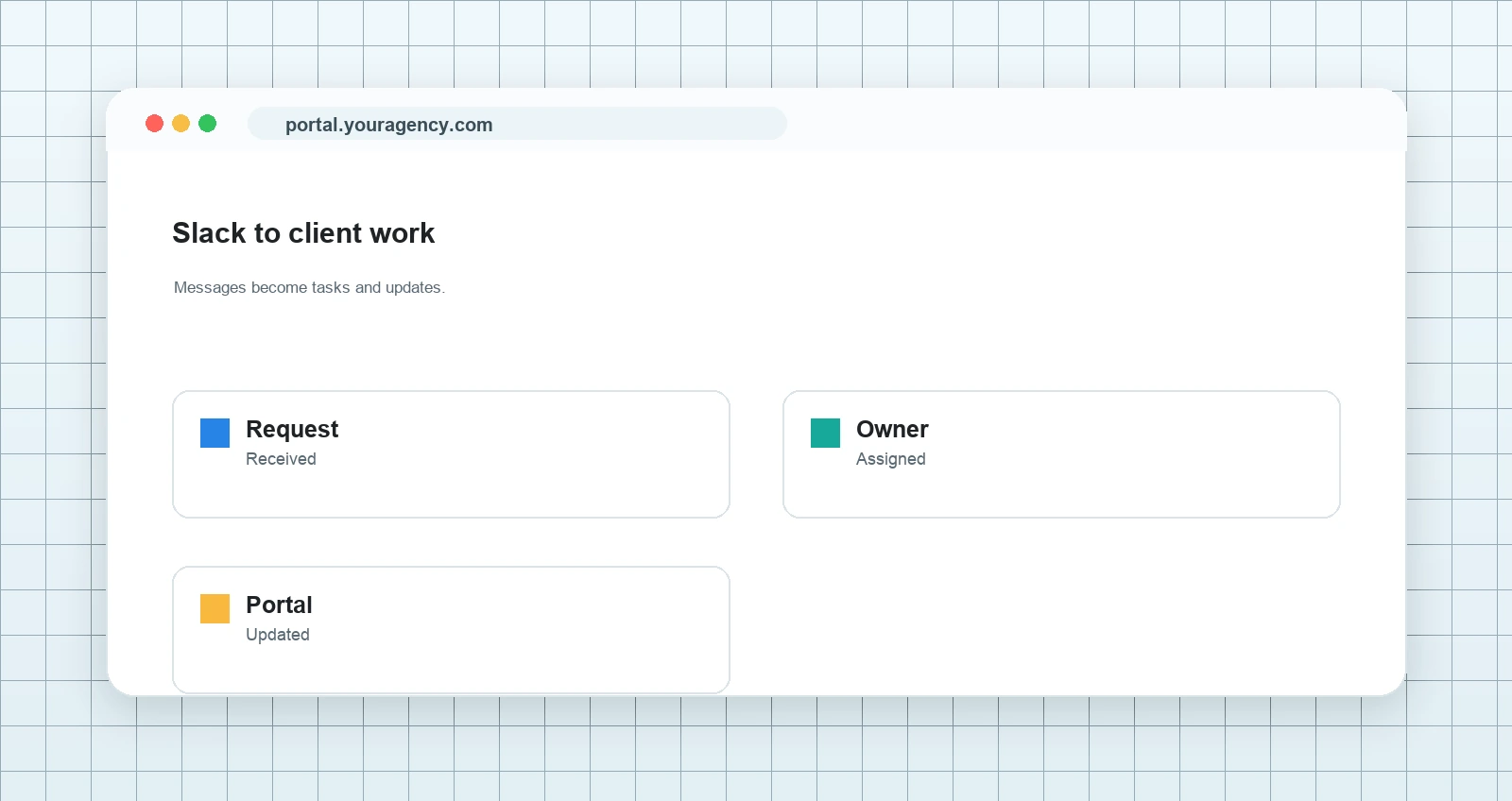
Client request workflow screenshots
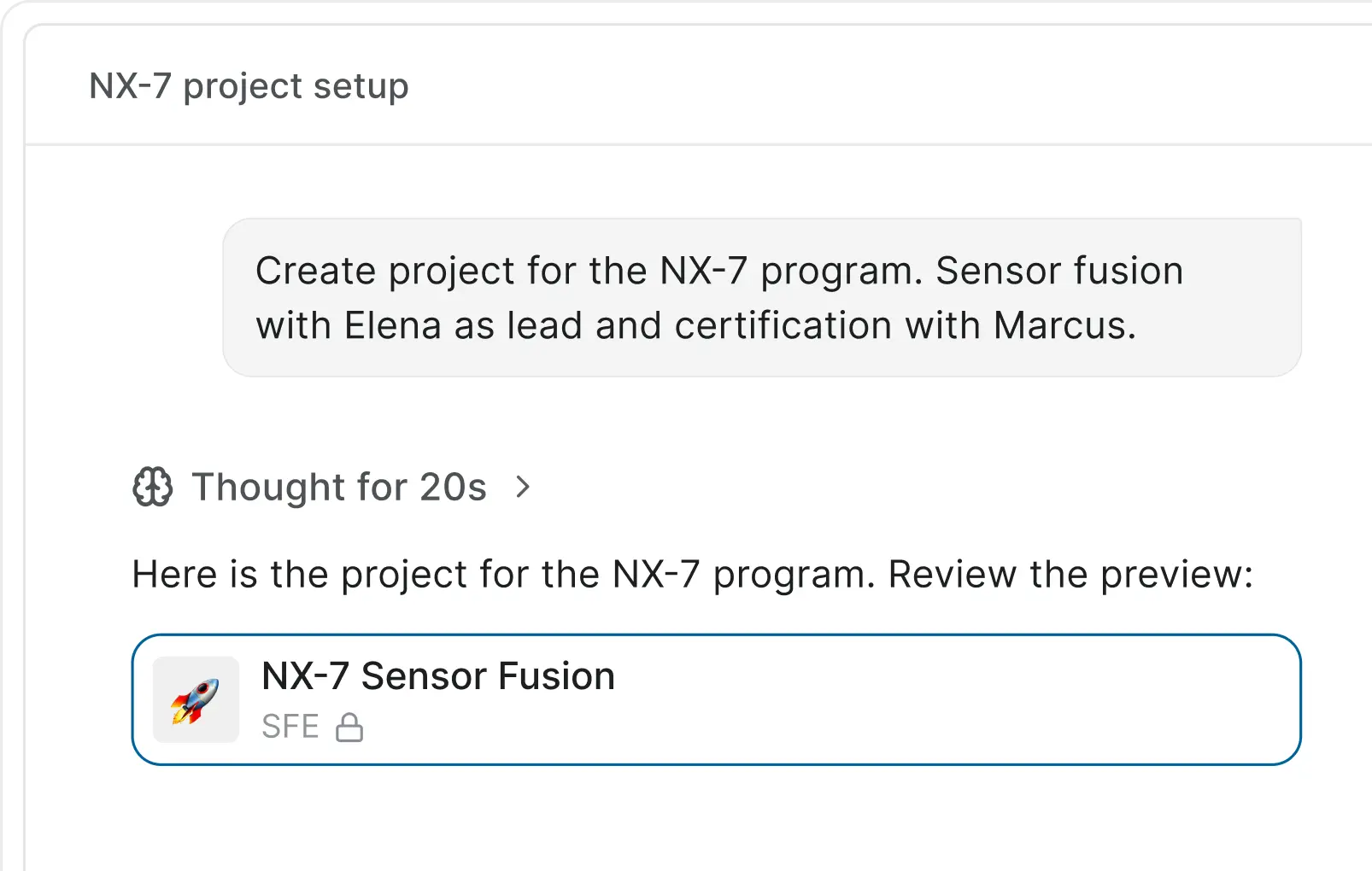
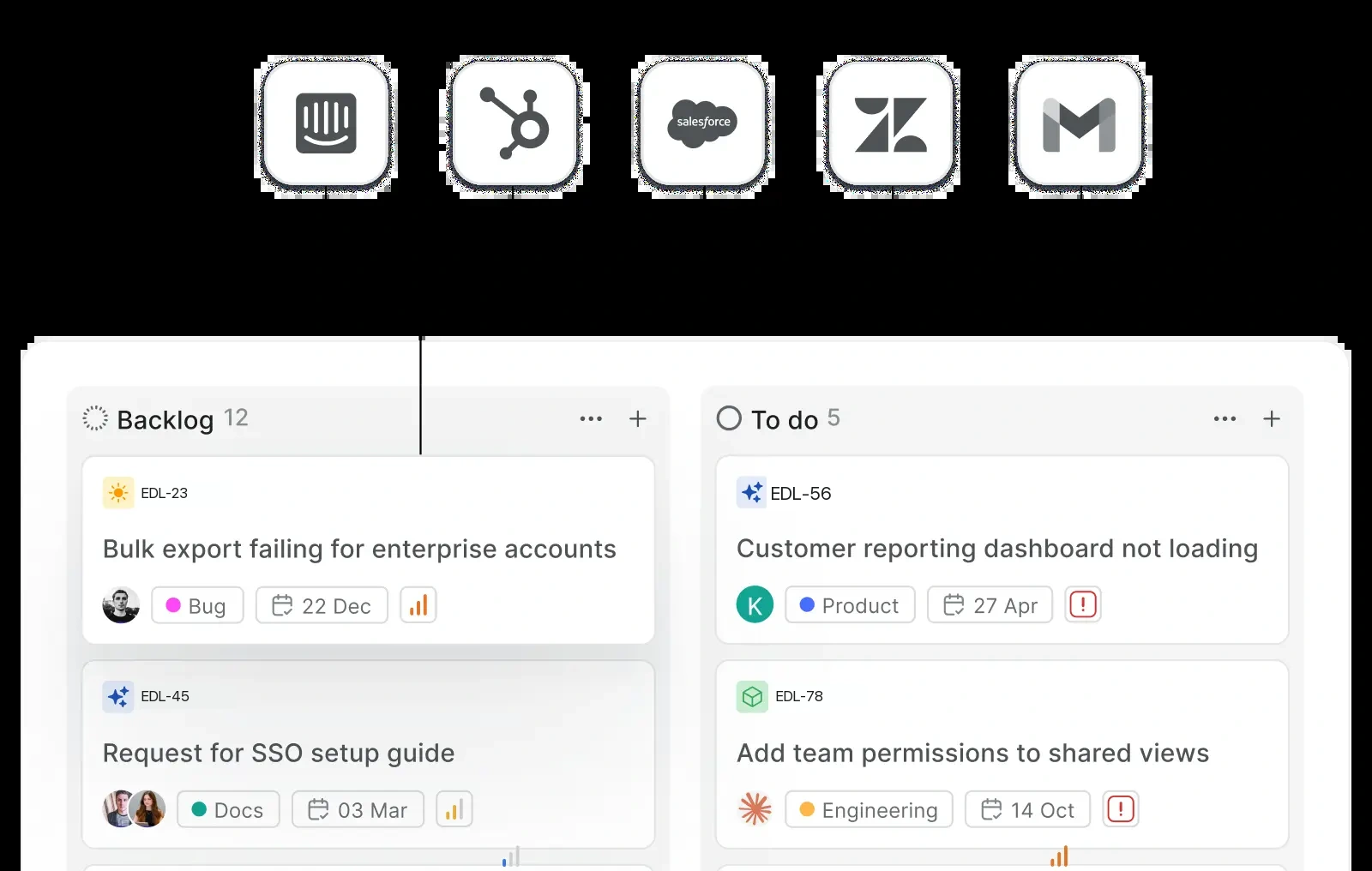
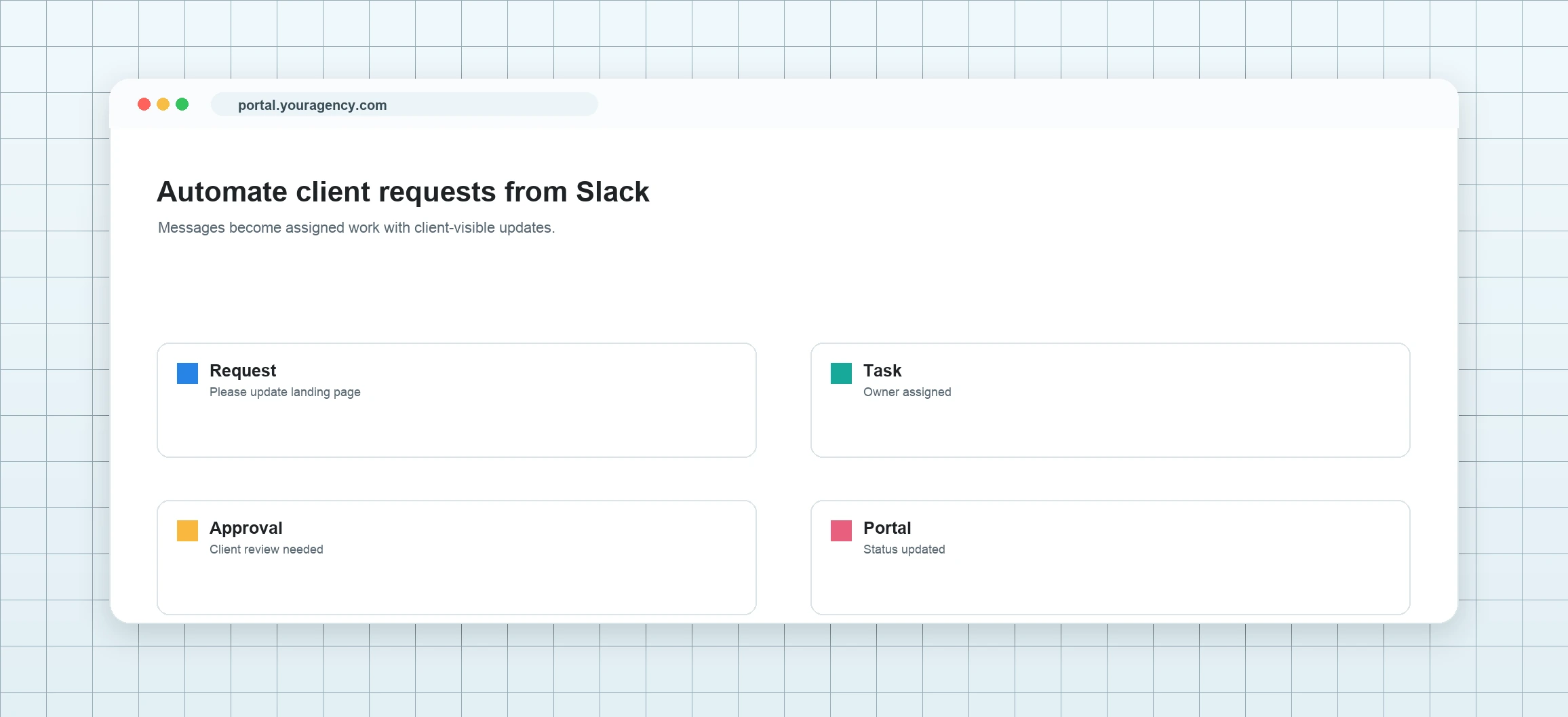
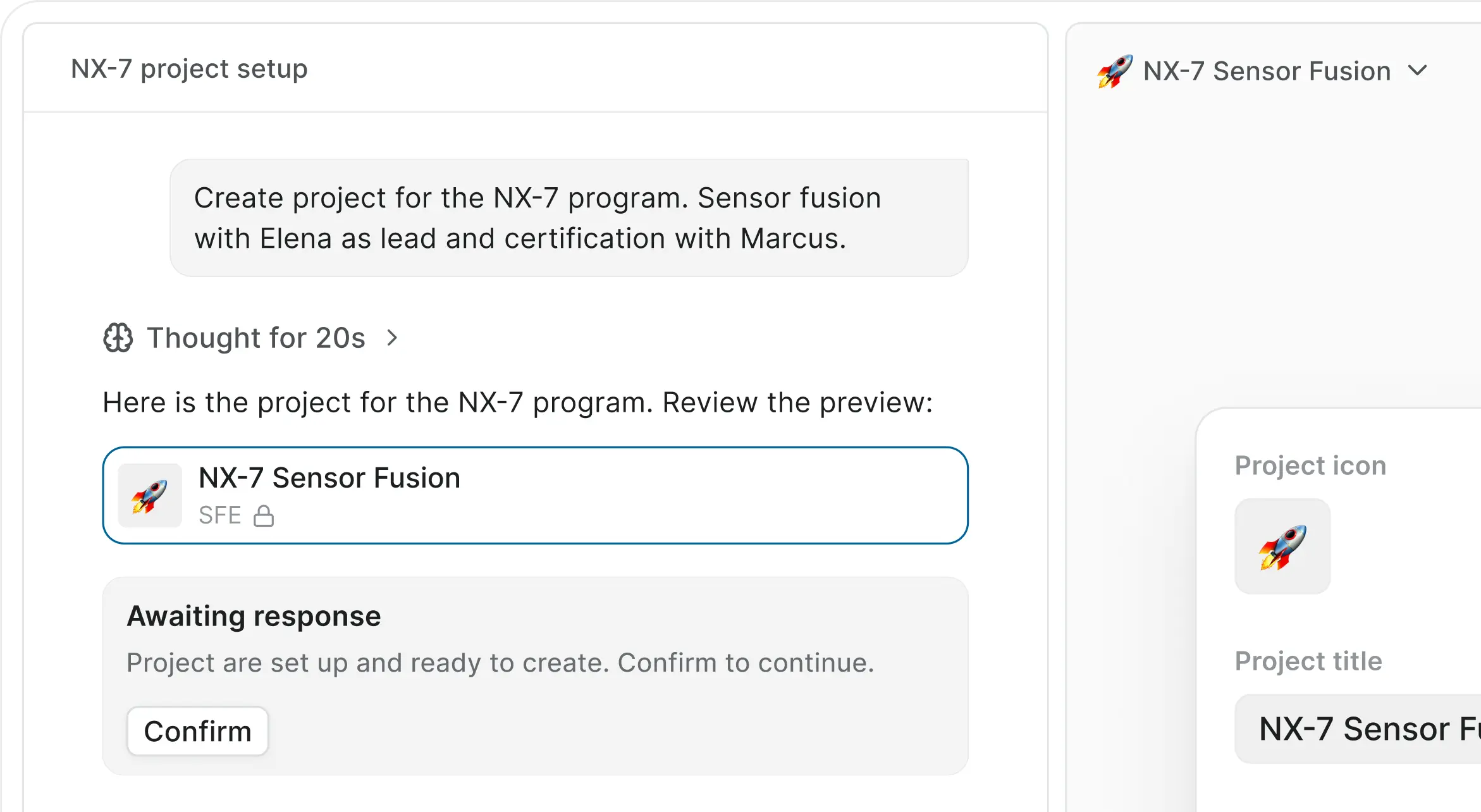
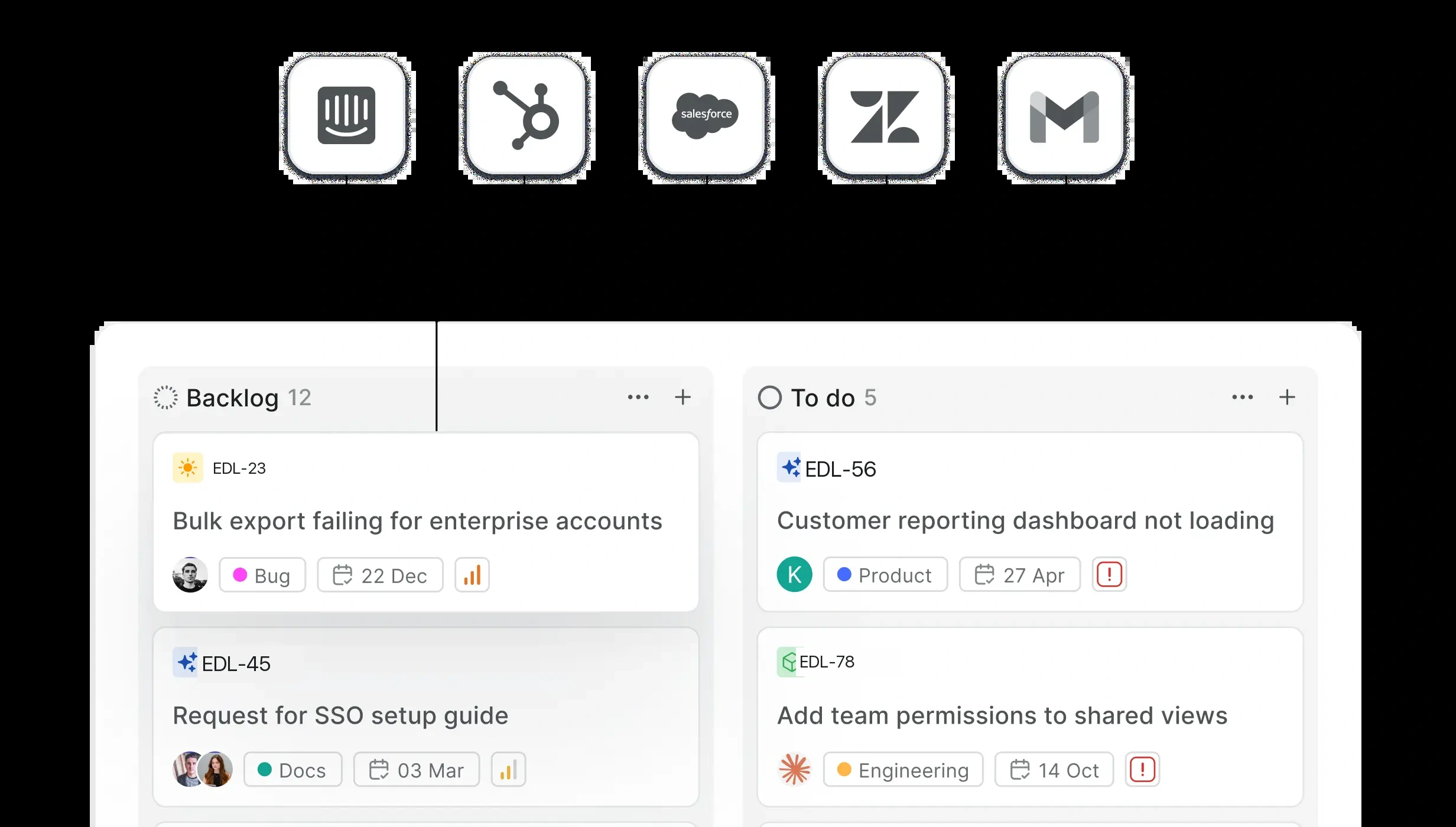
Turn client messages into assigned work.
Request captured from any client conversation. Record it as a work item with an owner, due date, files, comments, and current state.
Plan request intake →
Configured around your documented handoff process
Client request workflow screenshots

Security, permissions, and hosting control

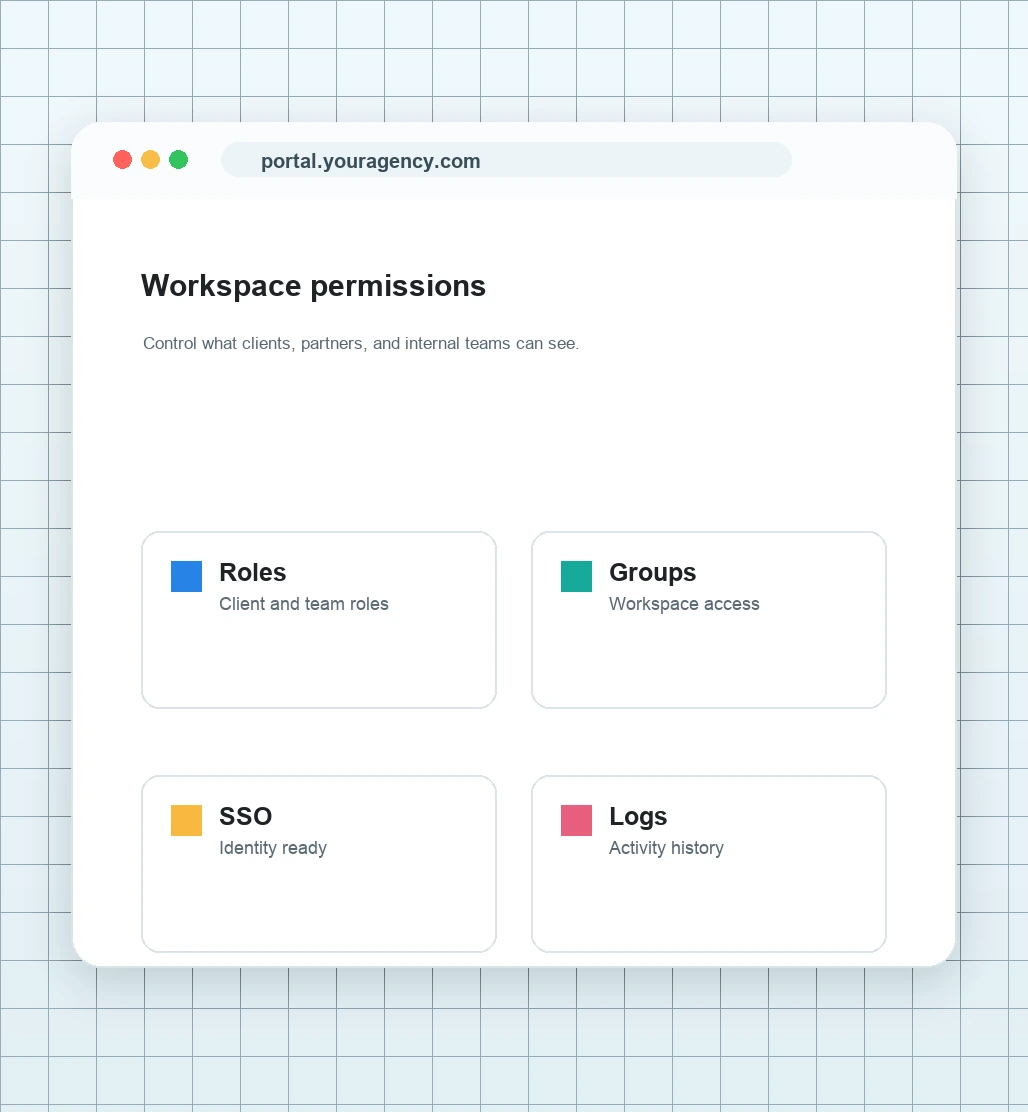
WhiteLabel provides HTTPS, workspace and project roles, private access, activity history, file limits, and managed or self-hosted options.
Workspace and project access
Configure available workspace and project roles, invitations, and private client boundaries.
View security →
Hosting and backup planning
Document hosting, update, backup, monitoring, and support responsibilities. Only implemented and tested services are included.
Review service scope →
Access for each workspace
Review instance, workspace, and project roles so the right people can see work, files, Project Pages, and updates.
View controls →
BUILT FOR AGENCIES AND OPERATIONS TEAMS

Repeatable client workspace setup for service teams.

Launch your branded client portal without rebuilding operations

WhiteLabel
WhiteLabel